Work-order intake
Capture the customer, site, equipment, scope, priority, and operating status.

Commercial HVAC service, warranty, and inspections
Ventrixx connects the customer, site, equipment, work order, dispatch, field evidence, Service Review, warranty decisions, and billing readiness. Structured mobile inspections keep equipment findings tied to the same operating record.
Inside Ventrixx
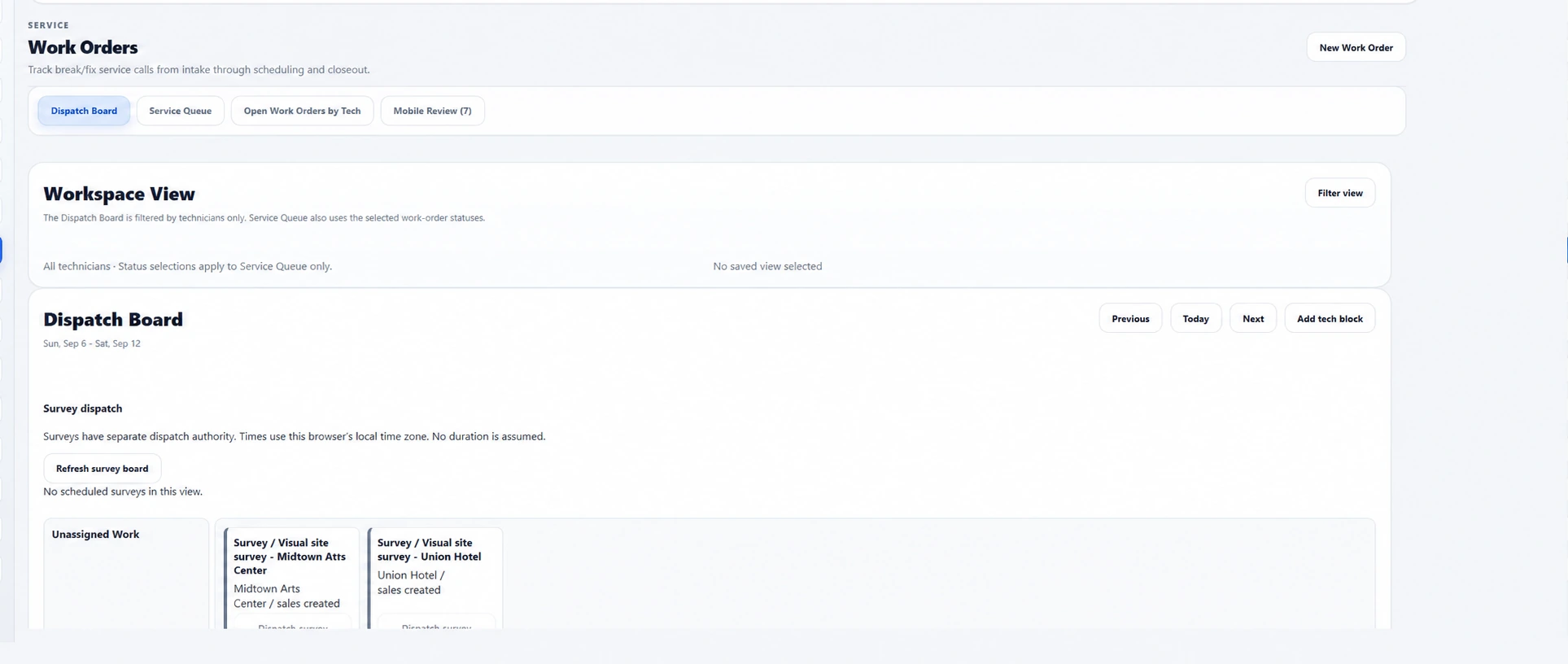
Give dispatchers one view of incoming service and survey work, technician availability, assigned work, and the week ahead.
Dispatch with context
The service event stays connected to the equipment and customer history that explains it.
Capture the customer, site, equipment, scope, priority, and operating status.
Coordinate assignments and status so the office can see scheduled and active work.
Keep each service visit connected to prior equipment, maintenance, and work history.
Record work summaries, time, materials, photos and other evidence, and customer signatures.
Work from a completed-work review queue. Review field evidence, set billable hours with adjustment reasons, and refine customer-facing service narratives while retaining technician evidence.
Carry reviewed work into charge preparation and the billing workflow.
Warranty-aware service
Keep equipment coverage, callback context, and the office billing decision connected to the work performed.
Record equipment warranty coverage and see active coverage warnings when preparing service work.
Review labor and part coverage explicitly, distinguish warranty callbacks from billable work and internal rework, and preserve the decision with the service record.
Track warranty part claims and prepare reviewed no-charge invoices that show covered value and any remaining amount due.
Mobile equipment inspections
Use reusable inspection templates for startup, commissioning, and condition checks. Technicians capture findings against the equipment being inspected, and office teams review the resulting evidence.
Build grouped inspection tasks with configured answers, measurements, required photos, notes, and deficiencies. Track required tasks through completion or a reasoned waiver.
In the Ventrixx iOS app, assigned inspection entries and photos remain encrypted on the device while offline. Pending evidence syncs automatically when connectivity returns, with conflicts surfaced for review.
Keep inspection results and photos tied to the equipment and work context. Review completed inspections in the office and reopen tasks when corrections are needed.
Field surveys, forms, and review
Use structured records for site discovery and the forms that accompany service work.
Create and dispatch surveys, capture equipment and photos, review sales readiness, and import supported survey details into proposal work.
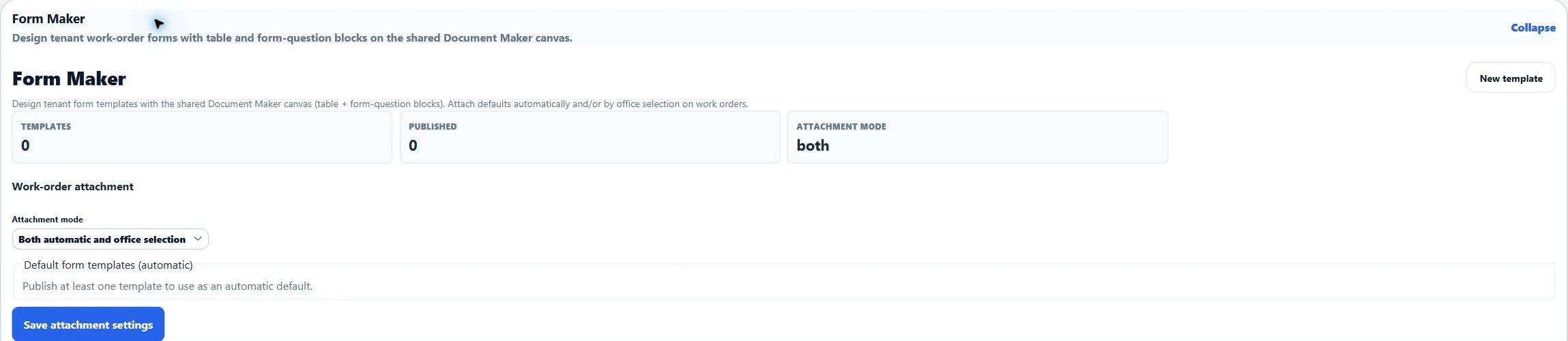
Design and publish company form templates, choose default forms, and keep completed work-order forms with the service record.
When enabled with a configured AI provider, suggest a customer-facing narrative from the reviewed service context. Office staff review the wording before using it.
The service workflow
Ventrixx is structured around the office and field handoffs that make service difficult in disconnected tools.
Record the customer, site, contact, equipment, problem, and service context.
Assign work while keeping technician and work-order status visible.
Capture summaries, time, materials, photos, evidence, and customer signatures.
Review field evidence, billable hours, customer-facing narratives, and warranty coverage before preparing charges and billing.
Explore related workflows