Acquisition and historical cost basis
Maintain purchase date and original purchase cost and preserve immutable internal rental-cost evidence for qualifying assignments instead of rewriting history with today's rates.

Company-owned rental equipment
Ventrixx connects rental asset availability, customer and project assignments, rates, historical internal-cost evidence, realized revenue, returned-assignment service cost, approved repair-charge cost, utilization, payback, contribution, and Asset ROI so mechanical contractors can manage company-owned rental equipment as an operating investment instead of a disconnected spreadsheet.
Lifetime financial transparency
Rental management is not only about knowing whether a unit is available. Ventrixx keeps the operational history and financial evidence close to the asset so managers can evaluate fleet utilization, payback, contribution, and return from traceable rental activity.
Maintain purchase date and original purchase cost and preserve immutable internal rental-cost evidence for qualifying assignments instead of rewriting history with today's rates.
Roll completed rental assignments into lifetime realized rental revenue while keeping active or forecast revenue separate from earned results.
See cumulative historically supported internal rental cost, returned-assignment service cost, approved/billed repair-charge cost, and total operating/internal cost without silently double-counting repair evidence.
Measure non-overlapping assigned rental days against the asset's supported ownership period so managers can identify high-use and underused equipment.
See realized rental revenue less supported internal rental, service, and repair cost, with lifetime contribution dollars and contribution margin from the same evidence.
Compare cumulative contribution with original purchase cost to see how much of the equipment investment has been recovered.
Identify whether the asset has paid for itself, the first supported payback date, and months to payback when the underlying evidence supports those measures.
Measure Asset ROI as lifetime contribution divided by original purchase cost, with clear formula and data-coverage status.
Evidence before estimates
The lifetime workspace provides asset-level evidence drilldown, filters, and CSV export. It separates active or forecast revenue from cumulative realized revenue and unions overlapping rental days for accurate utilization. Readiness and coverage indicators show whether the original purchase and historical cost evidence needed for each measure is available.
Focus the report by as-of date, asset status, category, or text search before comparing the supported results.
Open an asset to review the qualifying assignments, realized revenue, supported cost components, repair charges, utilization intervals, and payback chronology behind its totals.
Export the filtered lifetime economics workspace to CSV for controlled follow-up outside the application.
Rental availability and documents
Manage the practical details around an assignment alongside its lifetime economics.
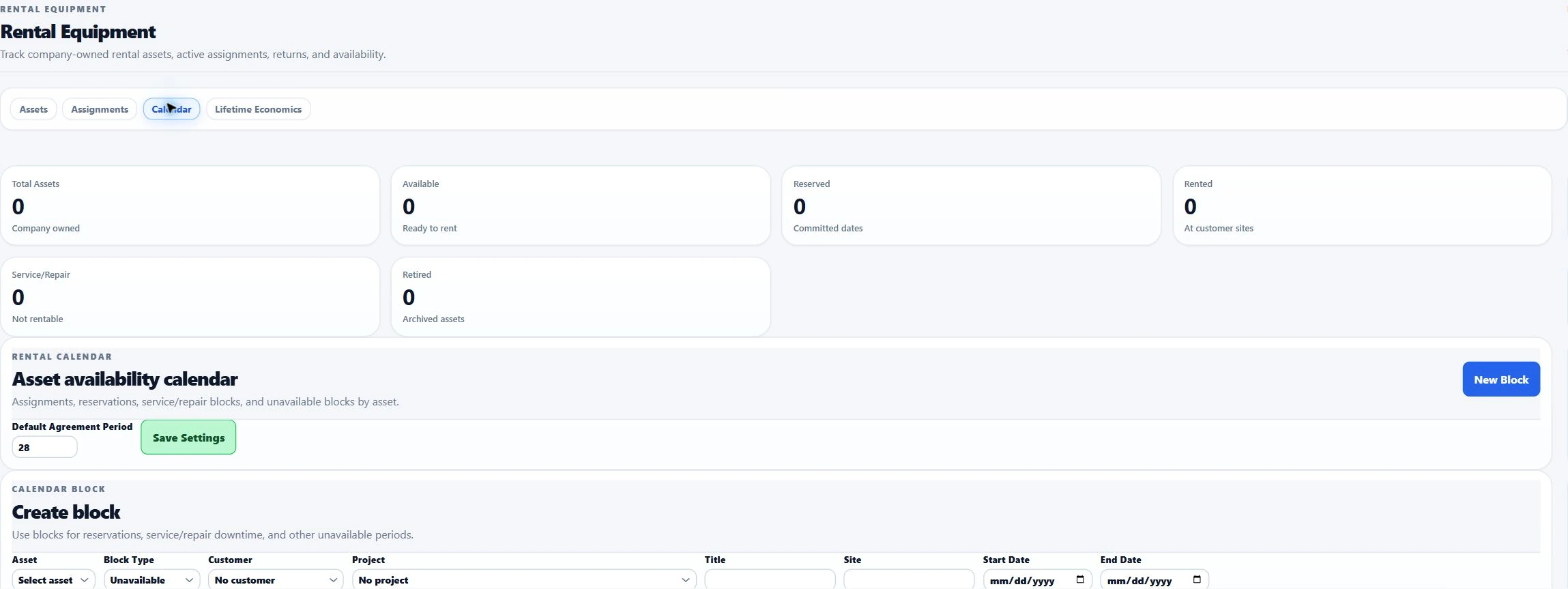
Create and update calendar blocks for unavailable equipment and check assignment conflicts when planning rental dates.
Configure agreement templates, preview an assignment agreement, and preserve generated agreement documents with that assignment.
Record returns and condition, manage repair-charge line items and status, and retain the supported costs behind the asset view.
Operational + financial context
A rental asset can move from proposal pricing to reservation, active rental, return, service or repair without losing its customer, project, location, historical cost basis, rate, revenue, utilization, or lifetime economic context.
Record identity, specifications, location, purchase cost, internal costs, billing rates, photos, and availability status.
Rental proposal lines preserve supported selected-asset internal-cost and rate evidence while checking date availability before the work is sold.
Track rental dates, billing frequency, rate, delivery/pickup/setup charges, site, customer, project, and the historical internal cost basis while blocking conflicting assignments.
Record actual return date, actual revenue, service cost, repair cost, condition status, and repair-charge details for follow-up.
Review cumulative realized revenue, supported costs, utilization, contribution margin, purchase-cost recovery, payback, and Asset ROI with drilldown to the assignments behind the totals.
Management visibility
Ventrixx is designed to help a mechanical contractor identify which rental assets are heavily utilized, which are sitting idle, which have paid back their original purchase cost, and which are generating or consuming contribution through an operational management view.